Camera views, storage, and permissions
Video surveillance planning can include camera locations, recording storage, PoE power, network connections, authorized viewing access, and low-voltage installation coordination.
The design should reflect the site layout, the areas an organization has chosen to monitor, and the people responsible for reviewing footage.
A system for capturing, retaining, and reviewing video from business offices, warehouses, entrances, or other areas.
A network camera that connects to switching equipment and a video recording platform.
A device that receives camera streams and manages video storage and playback.
A way to deliver data and electrical power over one cable, often used for cameras and wireless access points.
Camera layout and retention affect review
Blind spots, storage capacity, network connections, and viewing permissions all affect how a system can be used and maintained.
Reviewing these needs before deployment helps teams coordinate equipment placement and access responsibilities.
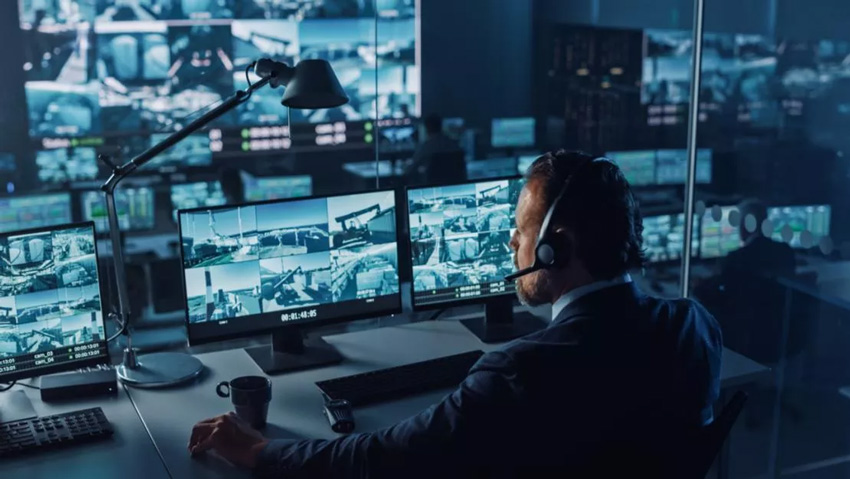
From camera placement to footage search
Equipment, storage, access, and construction responsibilities are confirmed for the site.
Camera locations and blind spot review
Plan camera positions for entrances, reception, storage, production areas, office spaces, and exterior views.
Camera, recorder, and storage configuration
Choose cameras, NVRs, and storage based on image quality, retention needs, review frequency, and budget.
PoE and low-voltage installation
Coordinate camera cabling, switch power, mounting locations, and equipment placement.
Remote viewing and account permissions
Set viewing access for managers, administrators, and remote offices according to their responsibilities.
Video retention and event retrieval
Configure recording retention, playback search, and a process for retrieving footage when needed.
System testing and expansion guidance
Test camera views and system operation and document current locations and potential expansion needs.
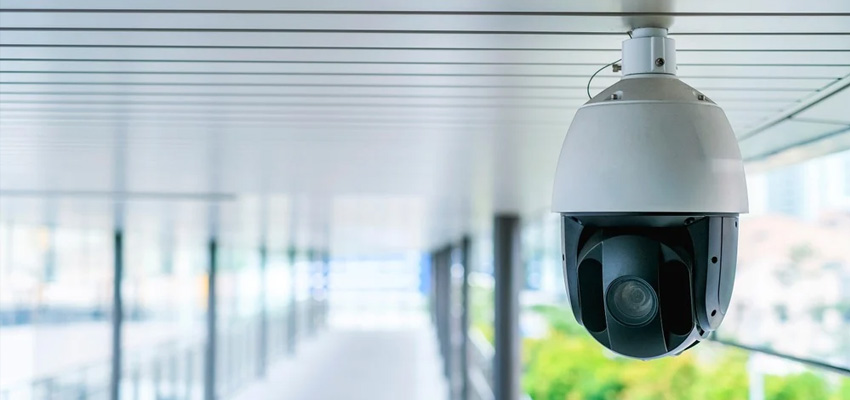
Camera views, recordings, and access
A documented camera plan and clear viewing permissions help administrators understand system coverage and routine responsibilities.
For entry permissions and attendance workflows, see our Access Control and Attendance Systems service.
Plan camera views and locations around management needs.
Document retention periods, equipment, and playback steps.
Assign viewing accounts according to employee responsibilities.
Use location, power, and storage records when adding cameras.