Centralize local IT resources
Private cloud and virtualization work can include reviewing current servers, planning a platform and resource pool, configuring storage and networks, coordinating workload migration, and planning the transition to ongoing operations.
A locally hosted virtualization environment is distinct from a public cloud service. The design depends on existing equipment, workloads, and expansion requirements.
Abstracting physical server resources into separate virtual machines to support flexible deployment and management.
A shared set of compute, storage, and network resources that can be assigned to different workloads.
A design using clustering, redundancy, or failover to reduce the impact of an individual equipment failure.
A prepared operating system and baseline image for creating consistent virtual machines.
Resource and version sprawl as servers grow
Older servers, storage, network configuration, and application dependencies all affect how workloads can be moved or consolidated.
Assessing these conditions before a change helps teams plan capacity and identify items that need follow-up.
Platform planning and virtualization support
Platform selection, migration scope, and operating responsibilities are agreed with the organization.
Server consolidation and private cloud planning
Review existing servers, applications, and storage and plan virtualization nodes, resource pools, and expansion options.
Virtualization platform and management
Set up the management platform, cluster design, resource pools, and foundational network.
Storage, backup, and recovery planning
Plan shared storage, virtual machine snapshots, platform backups, and recovery paths.
System migration and VM standards
Coordinate business system moves and establish templates, specifications, and naming practices for virtual machines.
Resource allocation and capacity review
Review CPU, memory, storage, and network capacity for contention and unplanned expansion.
Platform handoff and ongoing operations
Document platform inventory, virtual machine lifecycle practices, and basic maintenance guidance.
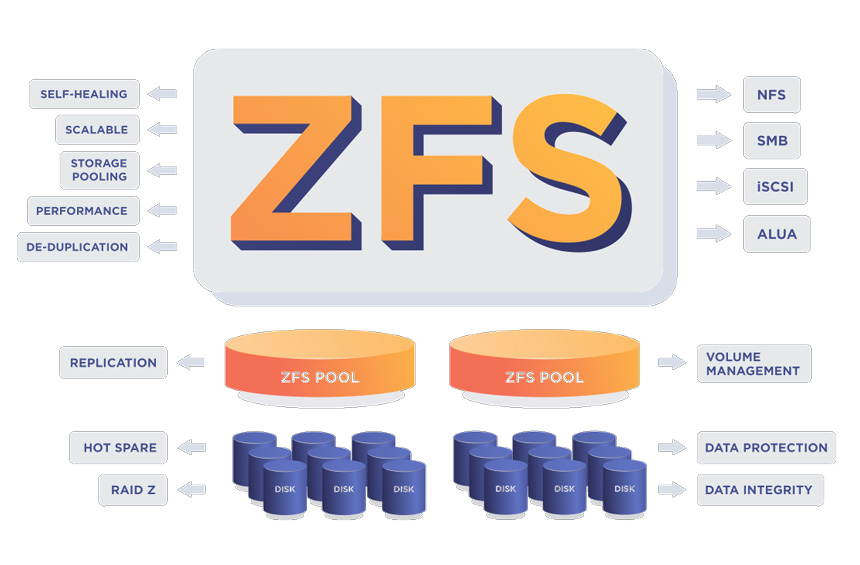
Manage and extend local infrastructure
A documented resource pool and operating plan help teams understand how local compute resources are organized and where capacity review may be needed.
For cloud-hosted workloads and account structure, see our Public Cloud Services page.
Review physical equipment, virtual machines, and workloads in one environment.
Use reusable templates, naming, and specifications.
Use compute, storage, and network information when planning expansion.
Keep platform records and maintenance guidance available to the team.