Windows 11 is quietly tracking dangerous flaws in your PC’s apps, drivers and firmware, and Microsoft calls them “Emerging risks”
If there’s an app, driver, or firmware on your PC and Windows finds vulnerabilities in it, Microsoft will now nudge you to update it or, in the worst-case scenario, uninstall it right away when there’s no patch available. This feature is called “Emerging Risks,” and it’s now starting to roll out on Windows 11.
As first spotted by Windows Latest, you can find the “Emerging Risks” feature in Windows Security, where it keeps track of serious flaws in your apps, drivers, and firmware, so you know what needs attention to keep your PC secure. In our tests, we saw the page in Windows 11 preview builds, so it isn’t rolling out to the public yet, and it’s not usable yet.
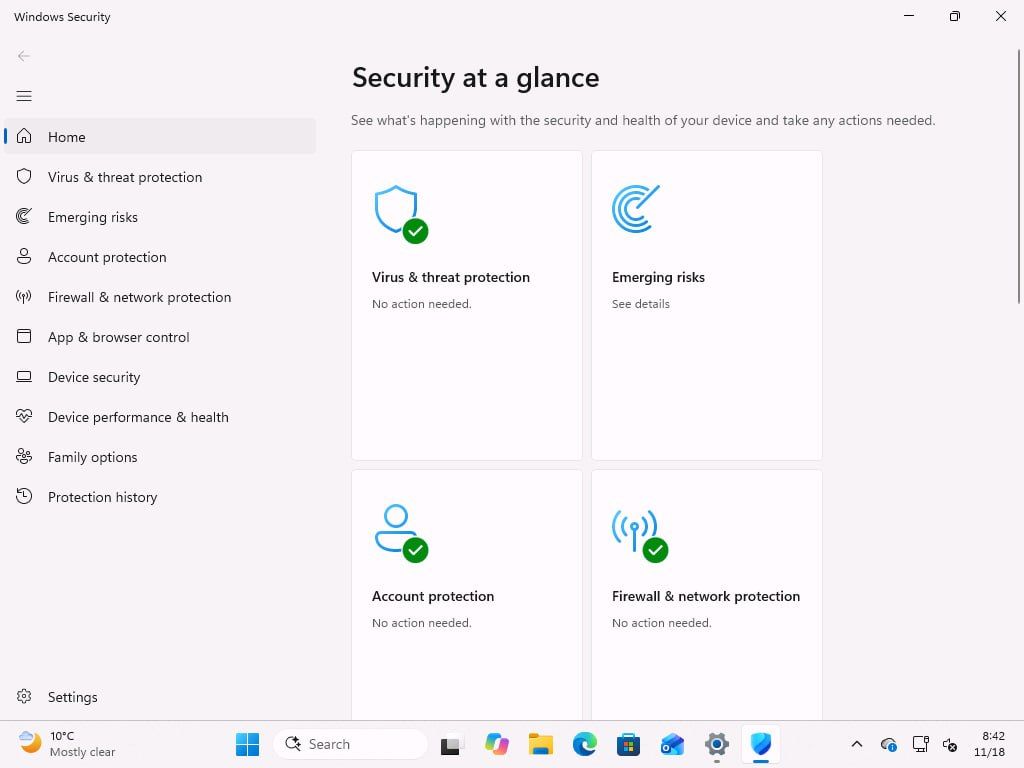
Microsoft describes emerging risks as “serious vulnerabilities in apps, drivers, or firmware on this device that require attention.”
According to the company, Windows can track them and show when an action is available. Here’s what the new Emerging Risks dashboard looks like on my PC:
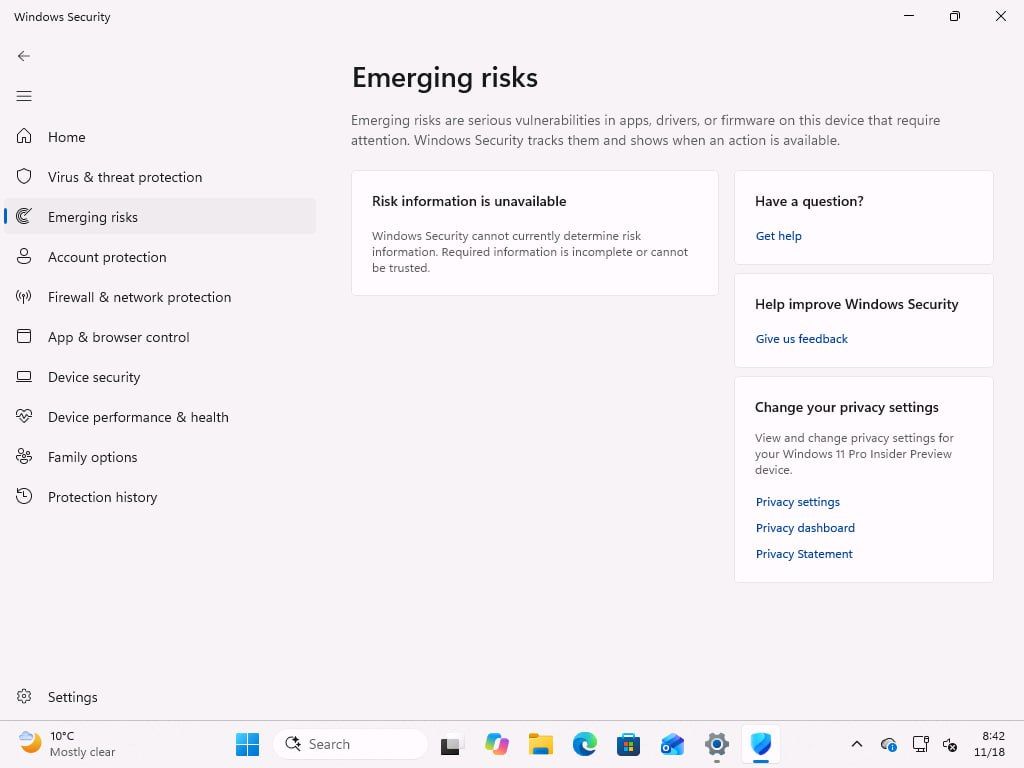
The dashboard was mostly blank for me, and Windows says, “Windows Security cannot currently determine risk information. Required information is incomplete or cannot be trusted.” So, for now, it can’t tell me whether there are any vulnerabilities on my PC, but that doesn’t necessarily mean Windows is fully secure. You still need to ensure all apps, drivers, and firmware are updated on your PC.
Windows 11’s Emerging Risks could find vulnerable apps or services and ask you to update or remove them
Windows Latest understands that Windows Security may be able to rate the “risk” it detects on your PC, so you know how quickly you need to act.
Microsoft confirmed it’ll enable Emerging Risks on all PCs, and there are no additional system requirements you need to meet. Even if you’ve turned off features like Secure Boot or Memory Integrity, you’ll still get access to Emerging Risks. But it’s a Windows 11-exclusive feature, so it’s not coming to Windows 10, at least not at this point.
I looked up the code strings in the preview builds, and here’s everything I found about the new Emerging Risks tab:
- Windows can already read the apps, drivers, and firmware on your system, and it may check Microsoft’s database for vulnerabilities. If an app, driver, or firmware component on your PC has a known vulnerability, you could see a flag under Emerging Risks with a suggested course of action.
- Microsoft could ask you to install an update if one is available to patch a vulnerability, or suggest removing an app or driver or disabling an affected component if there’s no patch. As I noted, it may depend on the level of risk. If it’s not a huge deal, you may not be asked to delete the app.
- Windows could also pull details about the vulnerability from Microsoft and third-party channels to help you decide what action to take.
Emerging Risks is a great idea if it’s executed properly, and it won’t attempt to patch your PC itself
Microsoft can take care of vulnerabilities it finds in its own products, including Windows, but what about the other apps, drivers, or firmware on your PC that might be vulnerable? Microsoft can’t force-update every app for you, and its new unified updates program depends on developers signing up.
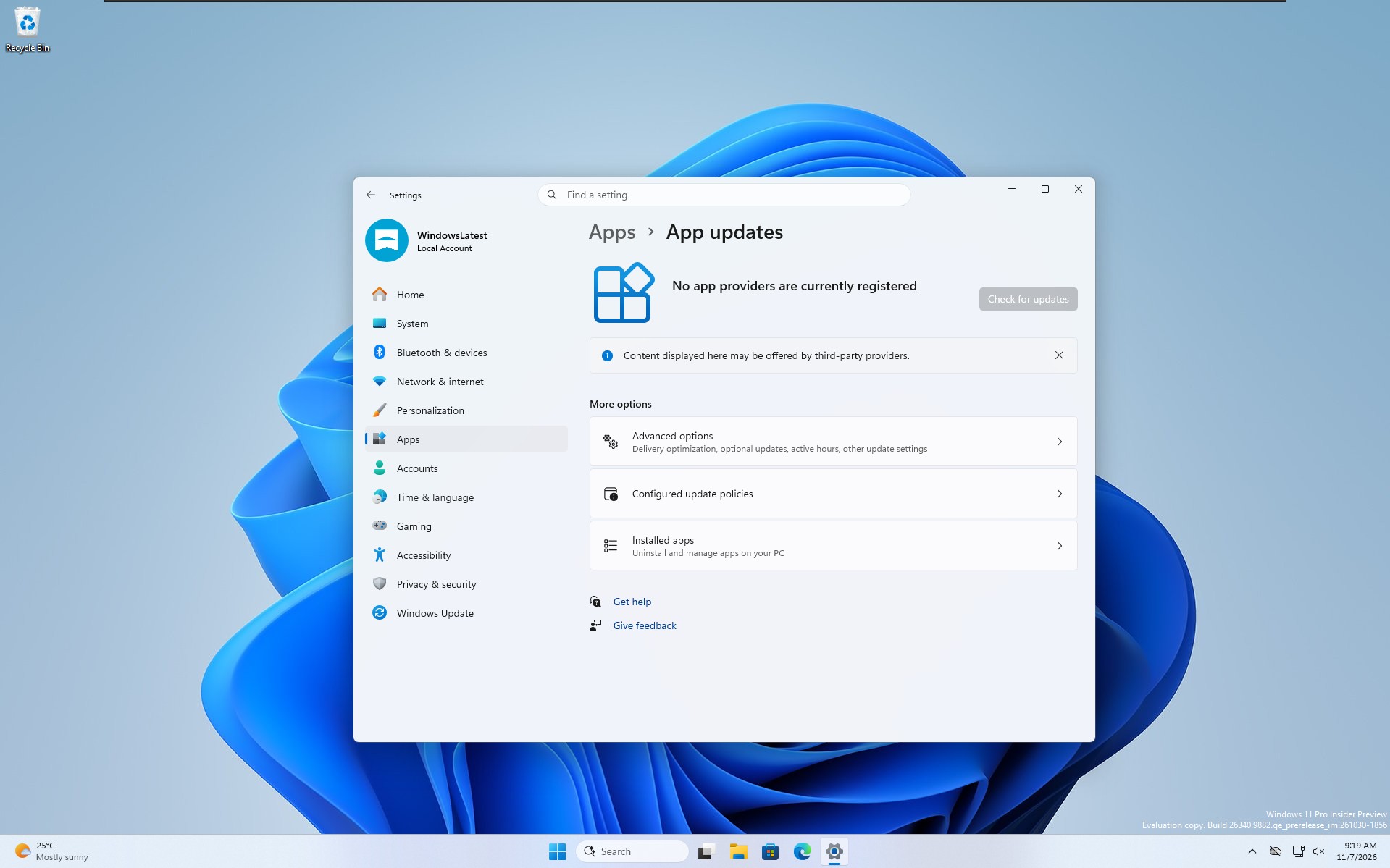 Windows can soon manage third-party app updates for you, but developers need to sign-up.
In other words, if you’ve got a vulnerable app, driver, or firmware component and you don’t update it, or you’re simply not aware of it, there’s not much Windows or Microsoft can do at the moment.
If you use the Microsoft Store to update those apps, you might get the security patch sooner rather than later. But as you know, most popular third-party apps have their own installers, so Microsoft doesn’t have any control over their updates.
This is where I think Emerging Risks could emerge as a winner. It could at least tell you when something needs attention, and you can choose to continue using the app, find an update, or remove it from the system.
Microsoft really wants you to take security seriously
Sources tell me that Emerging Risks is one of the features in the bigger security updates planned for Windows 11 in early 2027. Microsoft really wants to make Windows secure in the AI era, and we’re going to see more of these in the coming months.
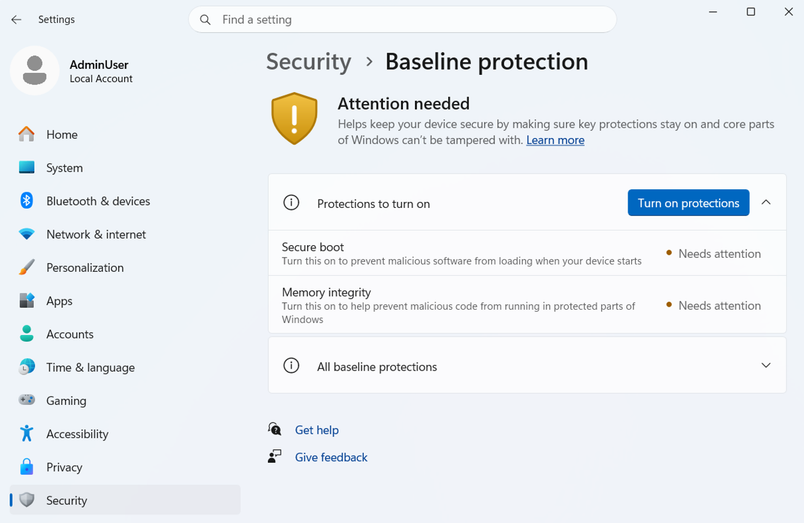
More recently, Microsoft confirmed it’ll let app developers check whether your PC meets Windows 11’s new security baseline. If you’ve turned off protections like Secure Boot or Memory Integrity, an app developer could choose to warn you, limit features, or block the app. Adobe and Battle.net are among those working with Microsoft on the check, although they haven’t said they’ll block PCs that fail it.
In July 2026, Microsoft 365’s security director urged users not to delay Windows updates for three days or more. Fast forward to October 2026, and more than 1,000 vulnerabilities were addressed across Microsoft products, including Windows. But Microsoft insisted that more bugs don’t necessarily mean Windows is now less secure.
“A higher number of CVEs does not mean Windows has become less secure,” Nuno Costa, Partner Director for Windows Servicing and Delivery, wrote on November 5. “It means more vulnerabilities have been discovered and closed, reducing the opportunities attackers have to exploit them.”